
Legacy guide. You don't need your own Azure account on ColdSend anymore — infrastructure is assigned automatically when you sign up, and there's nothing to set up. This guide is only for users operating their own existing Azure account independent of ColdSend.
This guide will walk you through creating an Azure account and starting a free trial so you can connect your own infrastructure to ColdSend.
Step 1: Sign Up for Azure
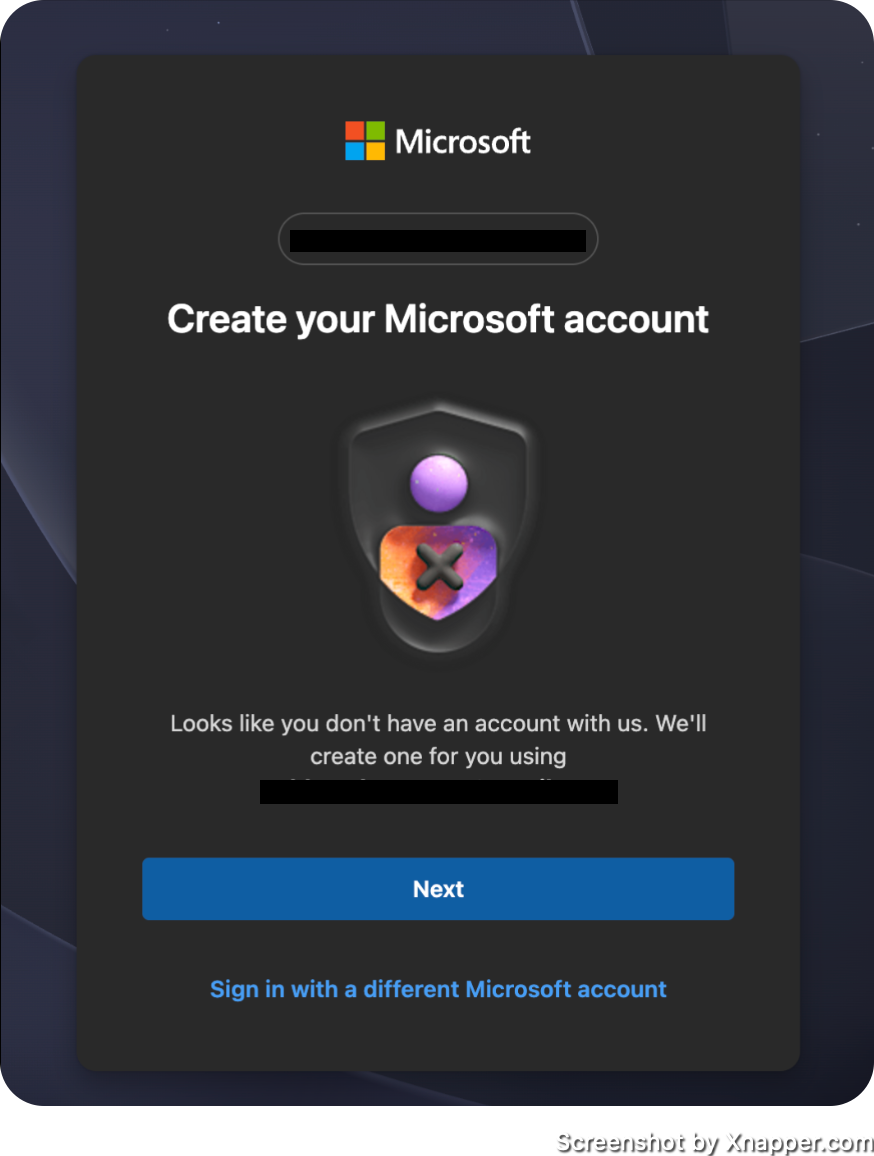
- Go to portal.azure.com and sign up.
- If you don't already have an account, it will ask you to create one. Just create one.
Step 2: Start Your Free Trial
- Once you're in, before doing anything else, click on the "Start with a free trial" option.
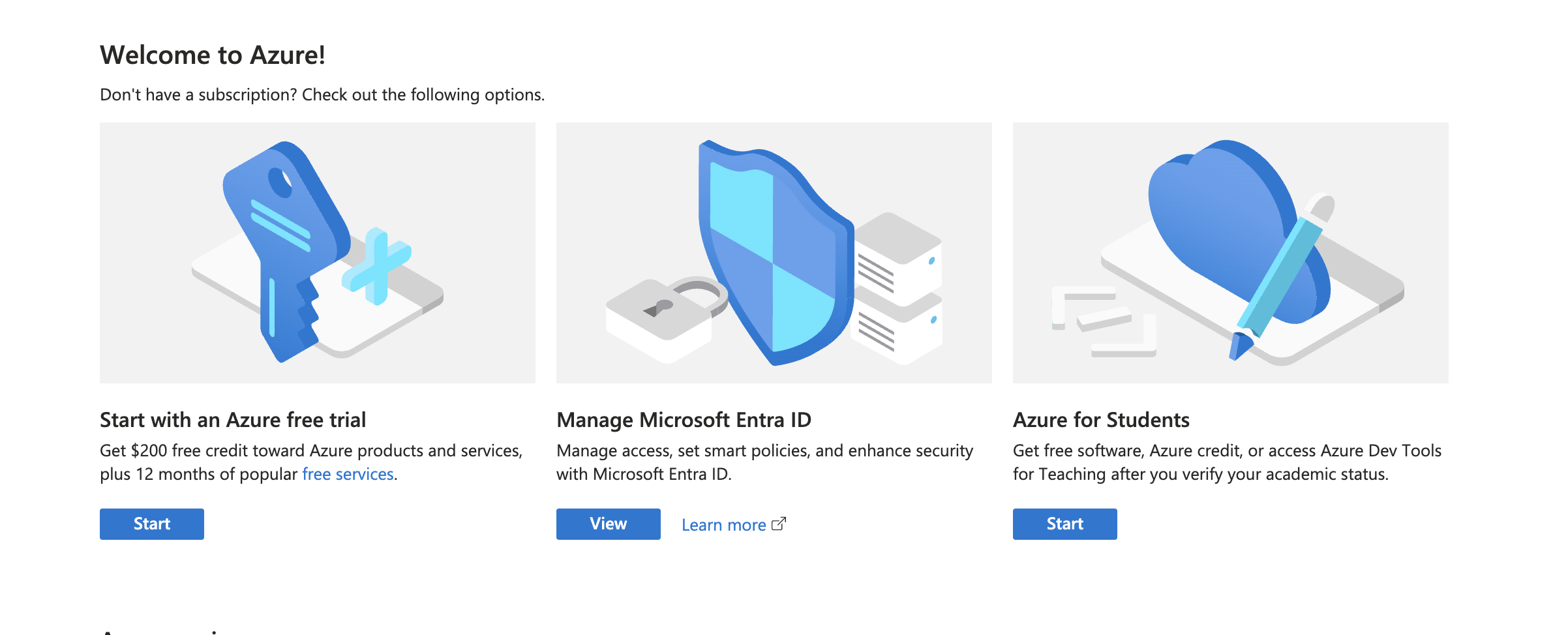
Select Pay as you go on the sign-up page, and insert your details.
Then proceed with the Azure BYOK Setup Guide, which lists all the other steps.
What's Next?
After completing the steps above, follow the Azure BYOK Setup Guide to obtain your Tenant ID, Client ID, Client Secret, and Subscription ID, then connect your Azure account to ColdSend.
 5 min read
 May 28, 2026